7 Best Aesthetic Pomodoro Timers & Study Sanctuaries in 2026 (No Pop-ups, Zero Clutter)
Quick Comparison Matrix (2026)
| Tool | Audio Engine | Background CPU | Free Tier | Best For |
|---|---|---|---|---|
| 1. Cadenzato | 100% Procedural Web Audio (Zero loops) | 0% when tab hidden (60 FPS active) | 100% Free, no login | Deep work, coding, ADHD study, custom sound mixing |
| 2. Pomofocus | None (Timer bell only) | Minimal | Free basic / Paid stats | Ultra-simple utilitarian countdowns |
| 3. Flocus | Pre-recorded ambient tracks | Low (Static/CSS themes) | Freemium (Pro themes locked) | Notion-style dashboard aesthetics |
| 4. LifeAt.io | Embedded video audio | High (Video decoding) | Freemium | Virtual co-working & scenic video rooms |
| 5. Brain.fm | Neural phase-locked music | Low | Paid subscription | Guided musical entrainment |
| 6. Noisli | Looping ambient samples | Low | Strict daily time limit on free tier | Simple 3-slider background sound mixing |
| 7. Endel | Adaptive soundscapes | Low | Paid subscription | Mobile circadian audio |
1. Cadenzato (Best Overall for Deep Work & Zero-Loop Audio)
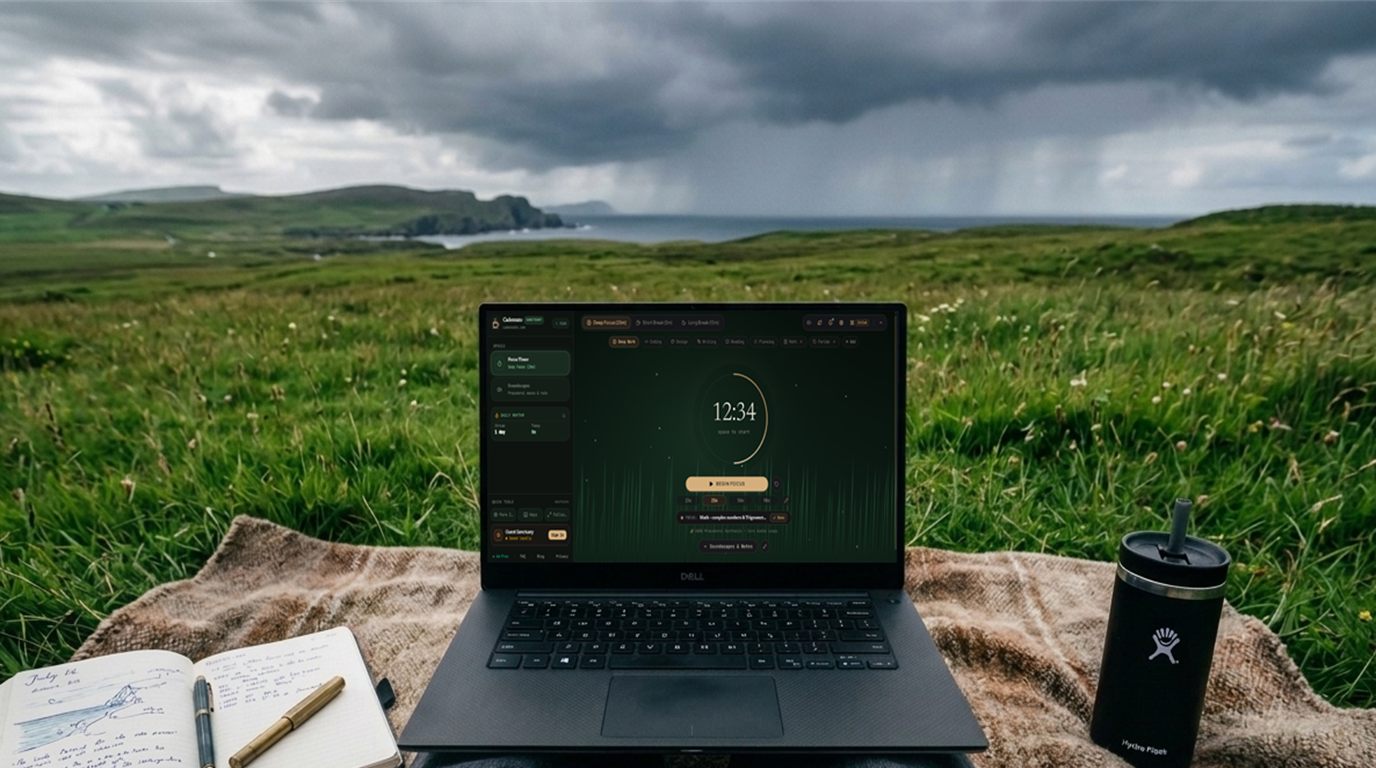
Cadenzato was engineered to solve the two biggest flaws of modern study timers: repetitive MP3 audio loops and heavy video backgrounds that drain laptop battery while coding or writing.
- Procedural Web Audio Synthesis: Instead of looping recorded audio files, Cadenzato synthesizes brown noise, pink noise, rainfall, ocean surf, crackling embers, warm café murmur, and 40 Hz gamma binaural/isochronic pulses mathematically in real time.
- 5 Live 60 FPS Canvas Sanctuaries: Switch seamlessly between Warm Café, Botanical Grass, Ocean Drift, Rainfall, and Obsidian. When you switch tabs to your code editor or PDF reader, the canvas automatically pauses (`0%` background GPU load) while the audio synthesizer continues uninterrupted.
- Ergonomic Micro-Task Bar & Cloud Sync: Pin a single active micro-task directly below the timer ring, and sign in with 1-click Google Auth to sync your daily rhythm streaks and custom sound mixes across desktop and mobile.
2. Pomofocus (Best for Barebones Utility)
If you don't want ambient soundscapes or visual atmospheres and simply need a plain red/blue web page that counts down from 25 minutes, Pomofocus remains a reliable classic. However, you will need a separate app or tab if you rely on brown noise or rainfall to block out environmental distractions.
3. Flocus & LifeAt (Best for Visual Dashboards)
Flocus and LifeAt popularized the "aesthetic study room" movement among students. While visually expressive, many of their custom themes, sound mixers, and advanced statistics sit behind monthly subscriptions, and video-backed rooms can cause laptop fans to spin up during heavy IDE or browser workloads.
4. Brain.fm, Endel & Noisli (Dedicated Audio Generators)
Dedicated audio platforms like Brain.fm and Endel pioneered functional focus audio, while Noisli popularized browser sound mixing. If you want those same acoustic benefits—continuous stochastic noise masking combined with 40 Hz gamma or 14 Hz beta entrainment—without hitting a 15-minute daily free-tier paywall, Cadenzato's Soundscape Studio provides full multi-channel mixing completely free.
Try Cadenzato's Sanctuary right in your browser
No paywalls, no pop-ups, and zero audio loops. Start in guest mode or sign in with Google to save your streak.
Open Cadenzato Focus Timer →